What Should an AI Voice Agent Say to Disclose It Is AI?
An AI voice agent should say plainly, near the beginning of the conversation, that it is an AI—not imply that it is a person, hide the fact in a menu, or wait until the caller asks. A useful disclosure also tells people what the agent can do and how to reach a person if they prefer. For example: “Hi, I’m the AI assistant for Northstar Support. I can help with billing questions and order status. You can ask for a person at any time.”
That wording is not a magic formula. The right disclosure depends on the task, the stakes, and what the system actually does with the conversation. But the principles are consistent: be understandable, be timely, offer a meaningful choice, and make the agent’s limits clear. Good AI disclosure is not just a compliance line. It is part of the product experience—and a practical foundation for customer trust.
Why disclosure matters more than a disclaimer
People use a voice interface differently when they know they are speaking with software. They may choose to continue, ask for a human, avoid sharing sensitive information, or phrase a request more explicitly. If they discover the truth only after several turns, even a capable agent can feel deceptive.
Transparency also sets expectations. An AI agent may be fast and available around the clock, but it may misunderstand an accent, lose track of a detail, or lack permission to make a decision. Saying what it is—and what it can do—helps users judge whether it is appropriate for their need.
There is growing interest in conversational AI across industries. Gartner and Grand View Research publish research and market analysis relevant to AI and customer experience; those sources can help organizations understand the broader landscape. But adoption figures or market forecasts do not answer the product question: what should a particular agent say https://www.mobileappdaily.com/knowledge-hub/ai-voice-agents-replacing-ivr-and-chatbots to a particular customer? That has to be designed around the real interaction, including its limits.
Why traditional IVR and scripted chatbots frustrate people
Many people have experienced the classic phone tree: “Press 1 for billing, press 2 for technical support.” The system may be clear about its menu, but it often makes the customer translate a real-world problem into a narrow category. A caller who needs to update a payment method and ask about a disputed charge may have to pick one path, listen to a long list, and start over if they choose incorrectly.
Scripted chatbots can create a similar dead end. They recognize a small set of phrases, offer a handful of buttons, and repeat the same options when a request falls outside the script. The problem is not that every menu is bad. A short, predictable menu can be efficient. The frustration comes when the system gives no useful route through an unusual request, a correction, or a change of mind.
Customers also notice when a system claims to understand them but behaves as though it has not heard the last thing they said. I keep a note called “bad IVR moments”; the recurring offenders are familiar: repeating account numbers, making people listen to irrelevant options, and offering “say something else” without explaining what the system can handle. An AI voice agent can avoid some of that friction, but only if it is tested against the moments when conversation gets messy.
What changed in voice quality and conversation handling
Recent speech technology can make spoken interactions sound more natural and respond to a wider range of phrasing than older, rigid systems. That does not make an agent human, and it does not guarantee a good conversation. It means designers have more flexible building blocks—and more responsibility to explain them honestly.
Current systems can support natural turn-taking, respond to follow-up questions, and sometimes recover when a user corrects a detail. Better voices can also make instructions easier to listen to. But a polished voice creates a particular risk: people may assume there is a human on the other end, or infer that the agent understands more than it does. That is why transparency must keep pace with voice quality. The more convincing the interaction sounds, the more important it is to identify the system clearly.
Conversation handling is not just about understanding the first sentence. A useful agent should manage interruptions, pauses, corrections, and requests to stop or speak to a person. In testing, try talking over the agent mid-sentence. Does it stop and listen, or continue reading a script? Ask it to correct a name or number. Change your request halfway through. If the system fails, it should say so in plain language and offer a next step rather than pretending the conversation is still on track.

How TTS, ASR, and language models work together
A voice agent usually combines several technologies. Understanding their roles helps teams write accurate disclosures and explain what happens during a conversation.
- Automatic speech recognition (ASR) turns a person’s speech into text or another structured representation. It can make mistakes, particularly with background noise, uncommon names, accents, or overlapping speech.
- A language model interprets the request and helps determine a response. Depending on the product, it may also use approved business information or connect to tools such as order lookup or appointment scheduling. It should not be described as having access or authority it does not actually have.
- Text-to-speech (TTS) turns the response into spoken audio. TTS may use a synthetic voice, and the voice itself does not determine whether the underlying answer is accurate.
In a typical exchange, ASR captures what the customer says, the model helps interpret it and create a response, and TTS speaks that response aloud. Some systems use additional components for turn-taking, safety checks, business-system access, or routing to a human. The overall experience depends on the whole chain. A mistake in recognition can lead to a confident but irrelevant answer, while a model may be unable to complete a task even if it understood the request correctly.
Products and tools such as ElevenLabs, including the ElevenLabs iOS App, make voice generation and voice experiences more accessible to creators and developers. The specific capabilities depend on the tool and configuration. A voice tool is not, by itself, a complete customer-support agent: teams still need to design the conversation, connect approved information, set boundaries, and decide what to do when the system cannot help.
What a good AI disclosure should include
A short opening should answer the basic question—“Am I speaking with AI?”—without making the customer work to find out. Depending on the context, it should also cover the agent’s purpose, the option to reach a human, and any important data-use information that belongs at the start of the interaction.
Disclosure element What the customer needs to know Example Identity The agent is AI, not a human representative. “I’m the AI assistant for Northstar Support.” Scope What the agent can help with. “I can help with order status and basic account questions.” Choice How to request a human or another channel. “Say ‘person’ at any time to ask for a representative.” Data handling Relevant recording, transcription, or retention details, when applicable. “This call is recorded for support and may be retained under our privacy policy.” Limits Important things the agent cannot do or guarantee. “I can explain the next steps, but I can’t approve a refund.”Do not include every possible caveat in a breathless opening paragraph. Prioritize what the person needs to know before deciding whether to continue. Give additional information at the point where it matters—for instance, before collecting sensitive information or taking an action. Make sure the privacy statement matches actual practice: whether audio is recorded, whether a transcript is created, who can access it, and how long it is retained. A vague “your privacy is important to us” does not answer those questions.
Disclosure examples for different situations
General customer support
“Hi, I’m the AI assistant for Northstar Support. I can help with common account and order questions. If you’d rather speak with a person, say ‘representative’ at any time.”
When the interaction is recorded
“I’m Northstar’s AI support assistant. This call is recorded and transcribed to help handle your request. You can ask for a human representative at any time. You can find details about how we retain support conversations in our privacy notice.”
Use this only if it accurately describes the system. If recording, transcription, or retention works differently, say what actually happens. Where consent is required, obtain it before proceeding; do not treat a disclosure as a substitute for consent.
When the agent has a narrow role
“I’m an AI assistant that can help schedule appointments. I can’t diagnose symptoms or give medical advice. If your situation is urgent, please contact the appropriate emergency service or a qualified professional.”
When the agent is unsure
“I’m not confident I understood that. Could you repeat the account number, or would you like me to connect you with a person?”
That last example matters. Transparency is not only something the agent says at the start. It also means being honest in the middle of a conversation when recognition fails, the answer is uncertain, or a task is outside the system’s authority.
Why mobile apps are a natural channel
A mobile app can give a voice agent useful context before the customer says a word. If a user is signed in, the app may know which account they are using, which page they opened, or which product they need help with. That can reduce the need to repeat information and make the interaction feel connected to the task already in progress.
On iOS, a support experience can also sit alongside app navigation and, where the product has appropriate permissions and integrations, use relevant account or device context. But context is not a license to collect everything. The product should tell people what information is being used, request permissions where needed, and provide a path to review or correct relevant details. Being signed in may establish an account identity; it does not make every request safe to fulfill without confirmation.
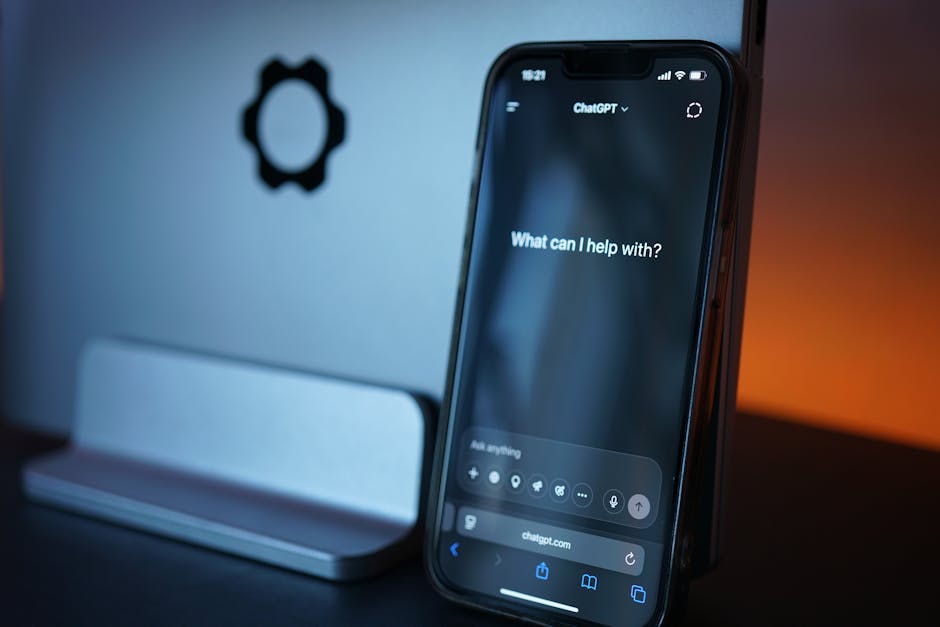
Mobile also gives teams control over the transition between voice and other support options. A customer may start talking, switch to text in a noisy place, review a suggested answer, or tap through to a human-support flow. Design these transitions intentionally. Do not assume a phone’s availability means the user can speak privately or wants audio at that moment.
How to make AI disclosure useful, not performative
- Say “AI” early. Avoid euphemisms that leave people guessing, such as “virtual colleague,” when the system is automated.
- Describe a real capability. “I can check your delivery status” is more useful than “I can help with anything.”
- Make the human option easy to use. Test the exact words customers might say—“person,” “agent,” “someone real”—and define what happens if a representative is unavailable.
- Disclose data practices accurately. Explain recording, transcription, use, and retention at the right time. Never promise that data is not stored if transcripts or logs are retained.
- Design for failure. Tell users when the agent does not know, cannot verify something, or has lost the thread. Provide a clear recovery route.
- Test interruption and correction. Check whether the agent stops when interrupted, hears a correction, and confirms consequential details before acting.
Teams should test with realistic calls, not just clean demonstration prompts. Include background noise, varied speaking styles, long pauses, unexpected questions, and people who change their minds. Measure more than completion rate: track how often users repeat themselves, request a human, abandon the call, or have to correct an important detail. Review transcripts and recordings only under appropriate access and retention rules.
Transparency is a product behavior
The best AI disclosure is direct enough to be understood and specific enough to set expectations. It does not claim the agent is “human-like” as a substitute for explaining what it can do. It does not disguise uncertainty behind a warm voice. And it does not make customers hunt through a menu to find a person.
A strong starting point is simple: identify the agent as AI, say what it can help with, offer a human alternative, and explain relevant data handling honestly. Then make sure the conversation behaves the way that opening promises. When the agent understands, it should help. When it cannot, it should say so. That consistency—not a clever disclaimer—is what supports transparency and earns customer trust.